Organized Pomodoro
A full-stack productivity suite combining task/project management, an interactive calendar with intelligent drag-and-drop, a Pomodoro timer with analytics, and integrations with Notion and Google Calendar.
1 / 11
Github Repository: https://github.com/ivan-schutt/organized-pomodoro-showcase
The Idea
I love modular and easy options for calendar activities, and I constantly use a Pomodoro timer to track sessions. I wanted to be able to automatically set intervals and easily build my weekly schedule calculated by sessions. This would let me create a strategy based on time usage and make modifications based on statistics.
The core concept: activity blocks available on the calendar to drag and drop are based on the activities set up in the application, dividing time by sessions and including time + breaks. This way you have a real-time view that includes resting time.
---
Activities
Activities are the foundation of the system. Each activity has configurable hours, time scope (day/week/month/year), and project assignment. Session calculation is based on the Pomodoro config , for example, 40m focus + 14m break = 54m per session.
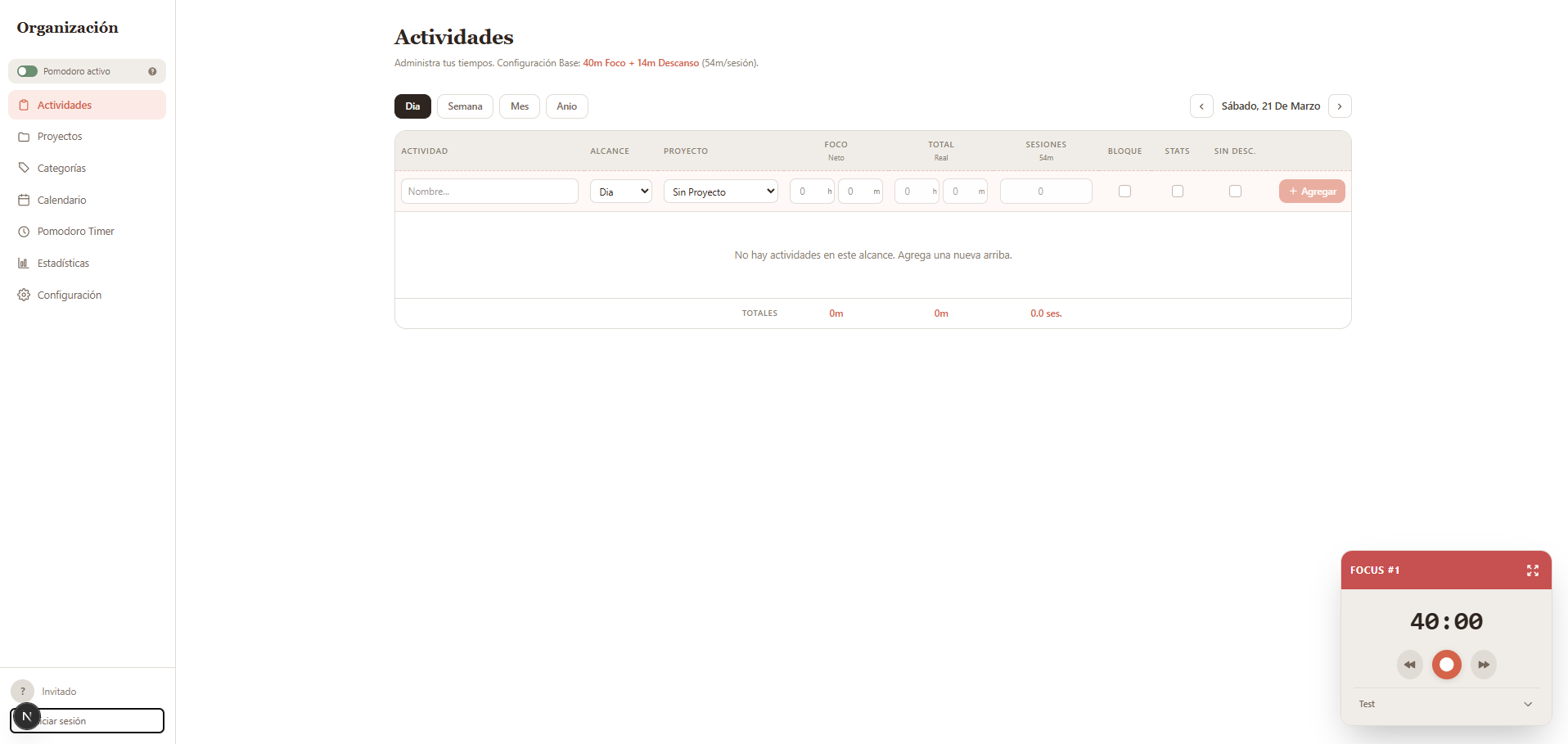
Activities support single-block mode, exclude-from-statistics toggle, and no-break toggle per activity. Calendar events also appear as read-only rows in the activities table.
---
Projects & Categories
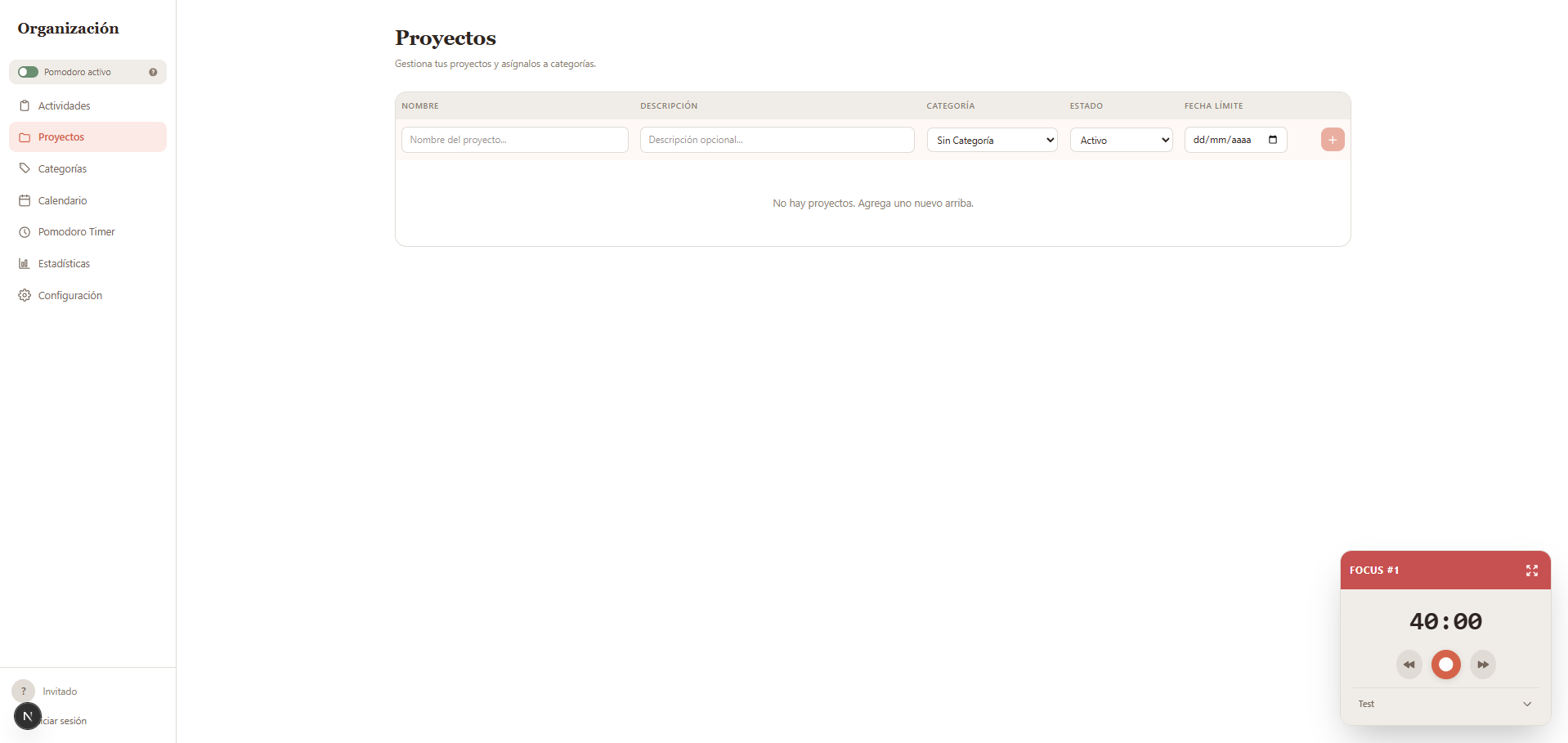
Projects link to activities for time tracking and statistics. Full CRUD with name, description, category, status (active/completed/archived), and due date.
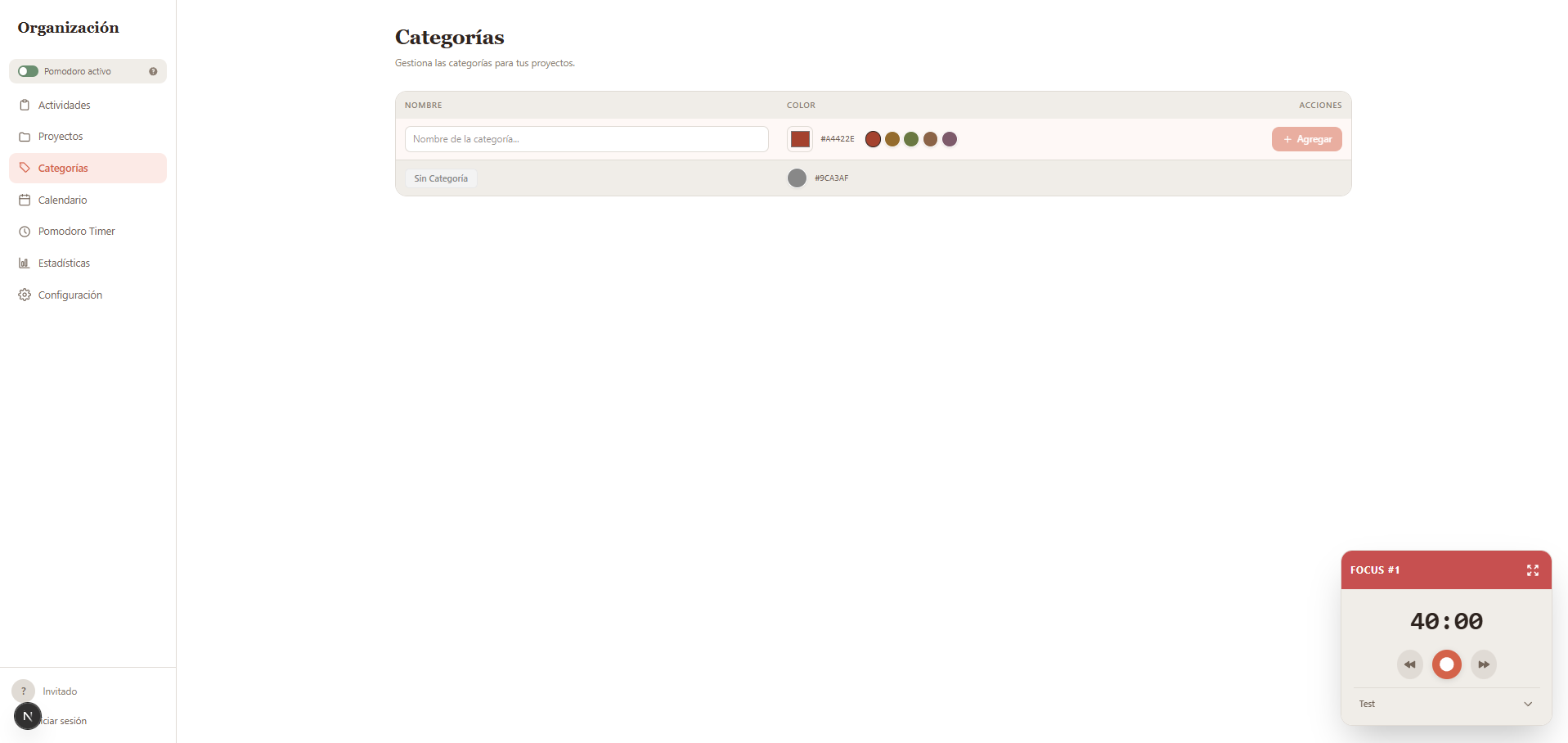
Global categories with color picker are available for both projects and activities to improve tracking and statistics.
---
Interactive Calendar
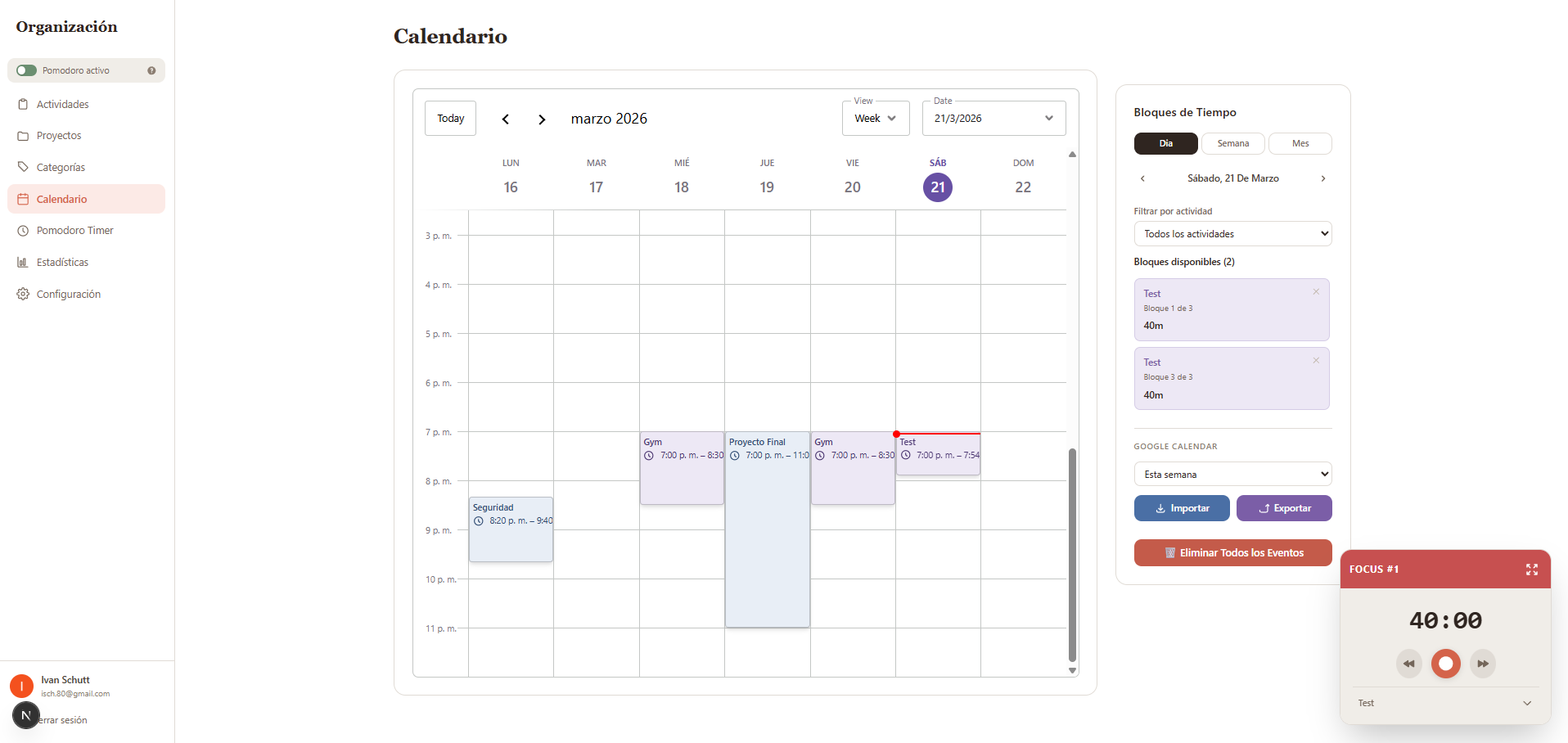
The calendar is built on Schedule-X with drag-and-drop, resize, and events-service plugins. The Time Blocks Sidebar lets you drag activity blocks directly onto the calendar.
- -Magnetic Snap — events auto-adhere to nearby events (10-min threshold)
- -Smart Stacking — collision detection prevents unwanted overlaps with push/stack/cancel options
- -Multi-select — rectangle selection for batch operations
- -Right-click context menu — fix/unfix, insert before/after, adjust to now, delete
- -Undo/Redo — snapshot-based history supporting complex multi-event operations
- -Google Calendar Sync — bidirectional import/export with color distinction
Pomodoro Timer
Two display modes: a mini floating widget visible on all pages, and a full-screen dedicated view. Supports Pomodoro, Short Break, and Long Break modes with customizable durations.
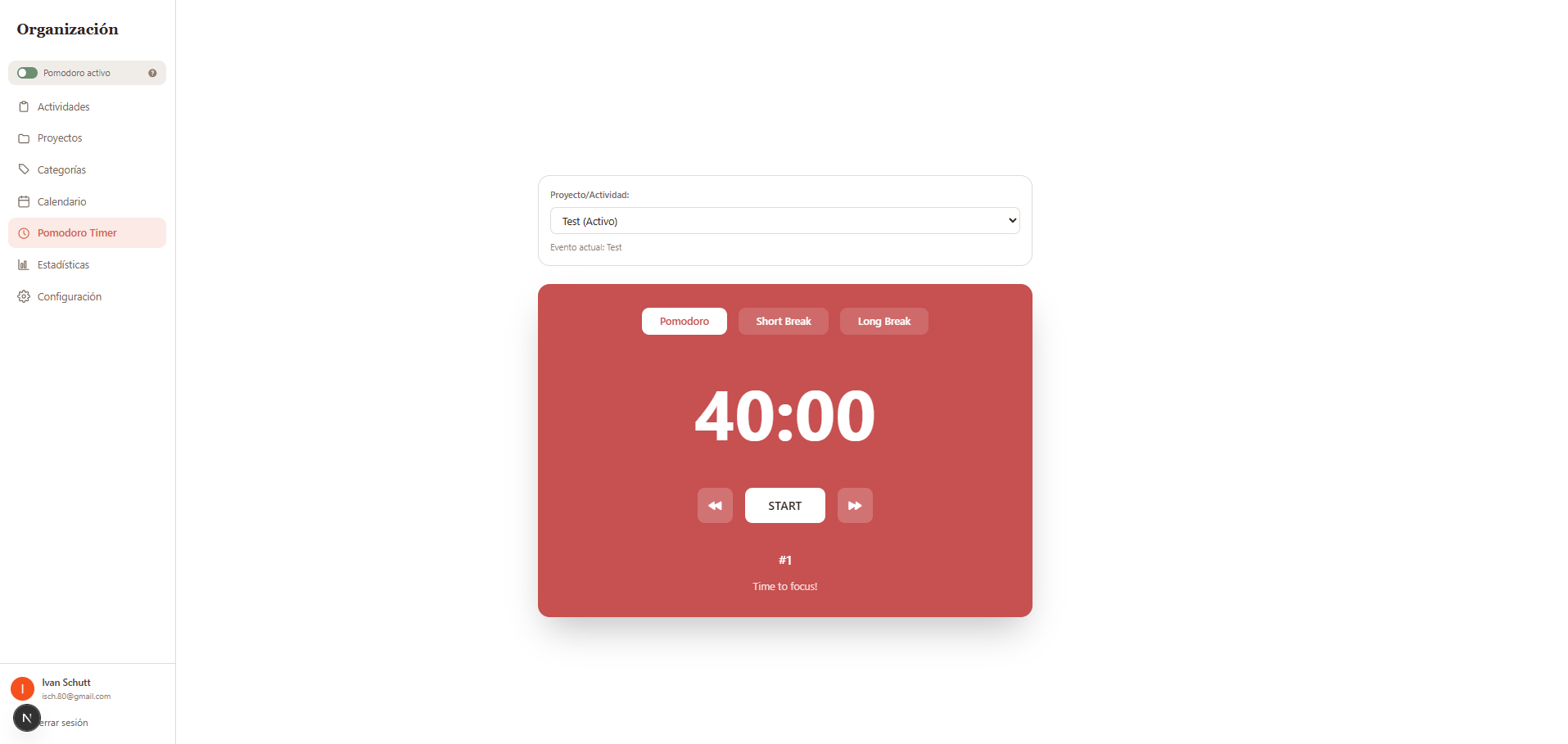
The timer features a Break Debt system that tracks accumulated skipped break time and offers mini-break recovery on pause. It auto-detects the current calendar event and can auto-adjust subsequent events on resume.
---
Statistics & Analytics
Provides tracking for every timed activity, project, and category, a weekly activity bar chart, project distribution chart, and performance tables comparing assigned vs. worked time. It also tracks billable activities and projects.

---
Day Review
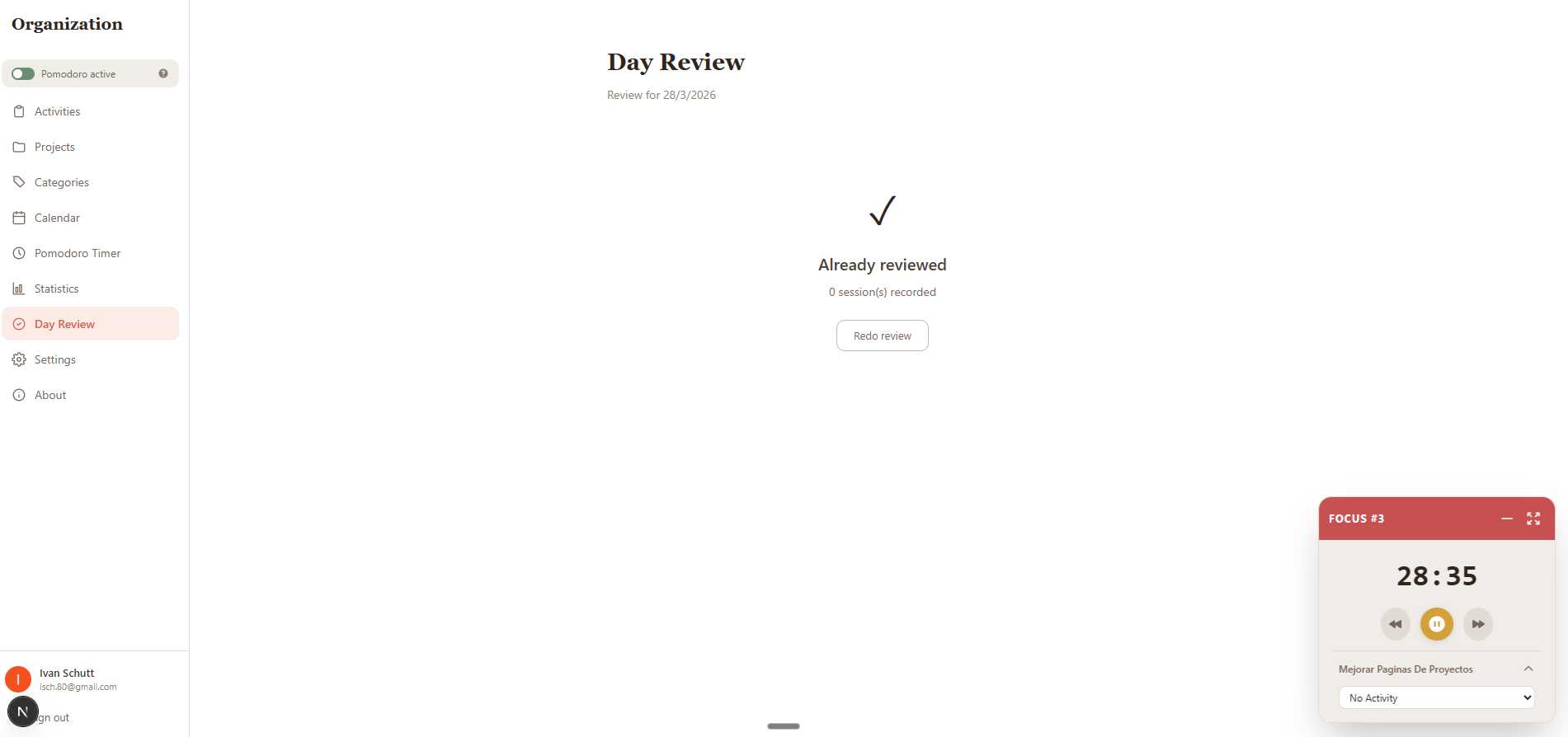
The application has a daily review feature with triggers at the time configuredby the user. The idea is that it checks all the activities from a day. Let's say that it is configured at 10 pm. At that time, it will check all the activities from the day, and whenever an activity was not tracked by the timer, it will show up for review in case you want to add it to statistics. This is very useful for people who don't want to rely too much on the Pomodoro timer but want to have everything organized and keep track of statistics, as you are able, basically to not use the Pomodoro. By reviewing what you did and what you did not do on the day, you can adjust statistics to keep track of everything easily.
---
Custom Configuration
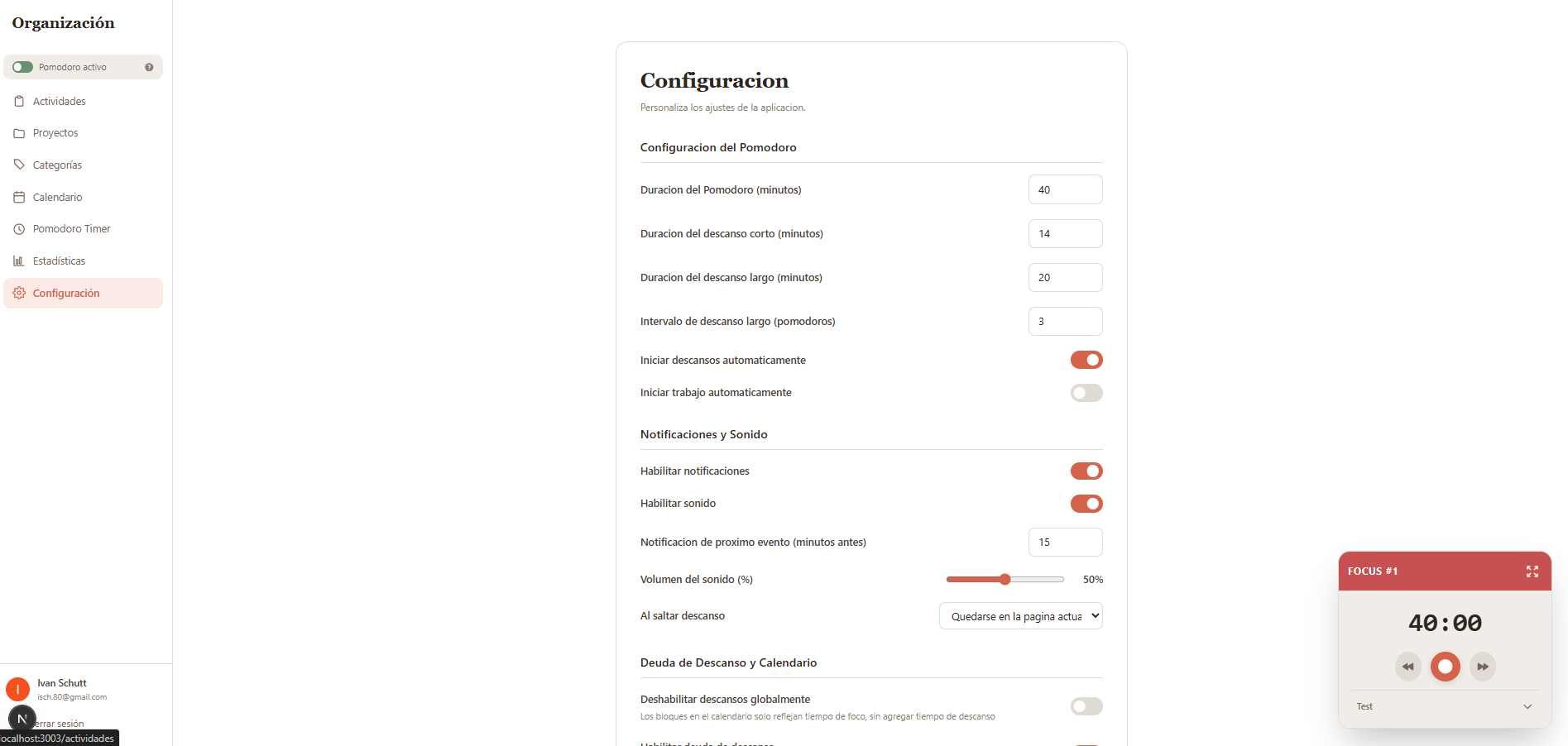
Extensive settings to adapt to different user needs: Pomodoro config, notifications & sound, break debt & calendar behavior, and regional settings (timezone + i18n with Spanish and English).
---
Calendar Memoization — Optimization Case Study
The Schedule-X calendar was experiencing complete re-initialization on every React state change due to reference equality comparisons. The fix uses a pattern I call "Stable Reference with Ref Bridge":
1. useRef for mutable containers — stores latest function implementations without triggering re-renders 2. useCallback with empty deps — creates stable callback identities that never change reference 3. useMemo for config objects — memoizes calendar configuration depending only on stable callbacks 4. useEffect for ref syncing — keeps refs updated with actual implementations on every render
Additionally, an LRU date parse cache reduces ~300 date parses per 50ms mouse move during drag operations down to ~100 with cache hits, resulting in ~40ms faster drag response.
---
Tech Stack
| Layer | Technology | |
|---|---|---|
| Framework | Next.js 16+, React 19, TypeScript 5 | |
| Styling | Tailwind CSS 4 with design tokens | |
| Database | Supabase (PostgreSQL + Auth + RLS) | |
| Calendar | Schedule-X v3 with plugins | |
| Caching | SWR with 5-min refresh | |
| Dates | Temporal API (temporal-polyfill) | |
| Charts | Recharts v3 | |
| Integrations | Notion API, Google Calendar API | |
| Testing | Vitest |